Run every campus screen from one browser. Post notices, event schedules, exam updates, and safety alerts across every building, hostel, and canteen in seconds.
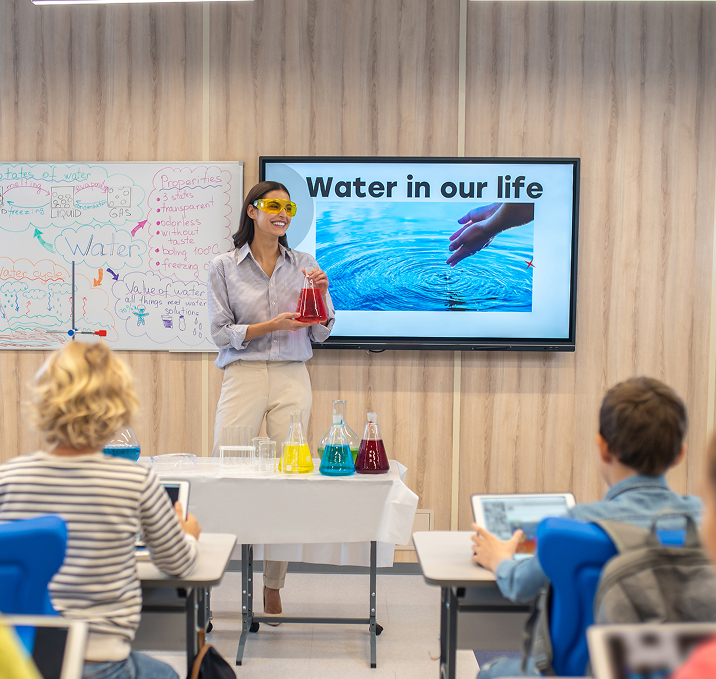

Push campus notices to screens in halls, canteens, corridors, and hostels. Students see updates the second they change.

Replace pinned posters with screens you update from any browser. No more outdated flyers or duplicate reprints.

Class timetables, event lineups, exam timings, and result windows updated from the comms office in real time.

HQ locks the master playlist. Campus admins add local slides for department events, within the limits you set.

Push safety notices, drills, or urgent messages to every screen in every building in seconds.

Same campaign, different language per campus. Push English, Hindi, Arabic, or regional languages where you need them.

Drop videos, images, and slides into the Signage Cloud portal from any browser. Your creative sits in a single searchable library that head office, regional teams, and store managers all draw from.
 Upload content from your deviceSearchable media libraryVersion history on every assetEncrypted cloud storage
Pick the outlets, screens, or groups that should play the content. Set the days, hours, or campaign windows. Preview before you push live, so nothing surprises you when the store opens tomorrow.
Group screens by store, region, or formatAssign playlists in bulkSchedule by daypart or campaignPreview before you push live
Every paired Smart TV pulls the new playlist within seconds. No site visit, no reboot, no waiting on staff. Playback keeps running even if the network drops, and picks up the latest content the moment the connection returns.
Every paired TV pulls the latest playlistOffline playback if the network dropsPlayback logs by screenLive status alerts for offline devices
From reception notice boards to canteen menu boards to hostel corridors, one dashboard runs every screen on every campus. Push a schedule change, an event announcement, or a safety drill in seconds.
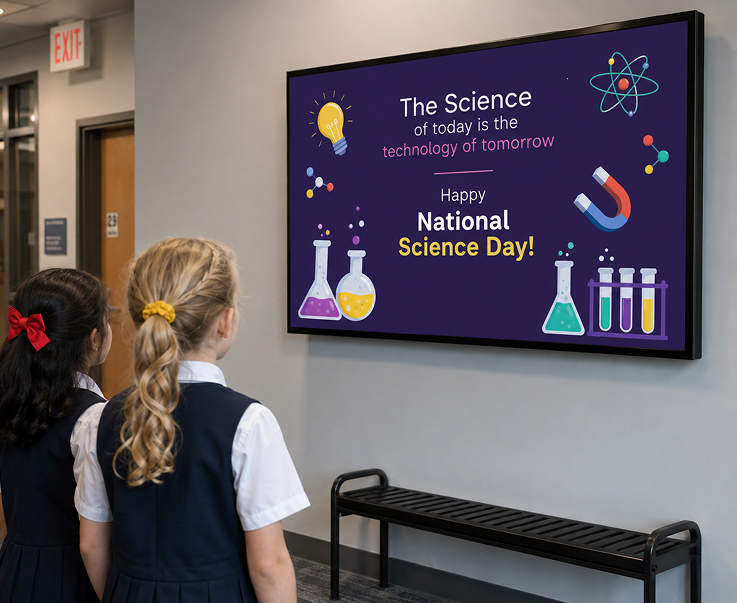
Digital notice boards in halls, corridors, and reception areas. Post admissions news, exam updates, and event schedules the moment they change, across every campus.
Live Campus AnnouncementsAdmissions and Exam UpdatesCross-Campus RolloutsTime-Bound Notices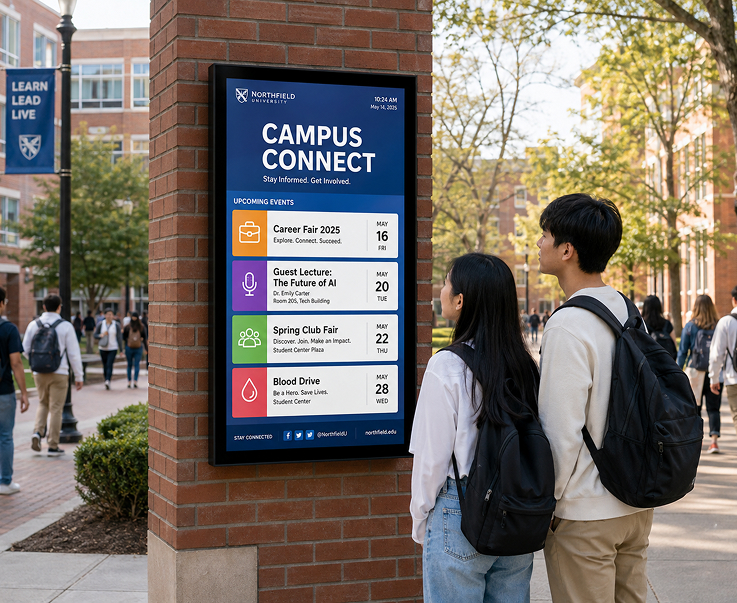
Live event schedules, class timetables, and result boards on every relevant screen. Sync from your existing academic systems so the screen never falls out of date.
Live Class TimetablesEvent and Fest BoardsResult AnnouncementsRoom and Venue Directions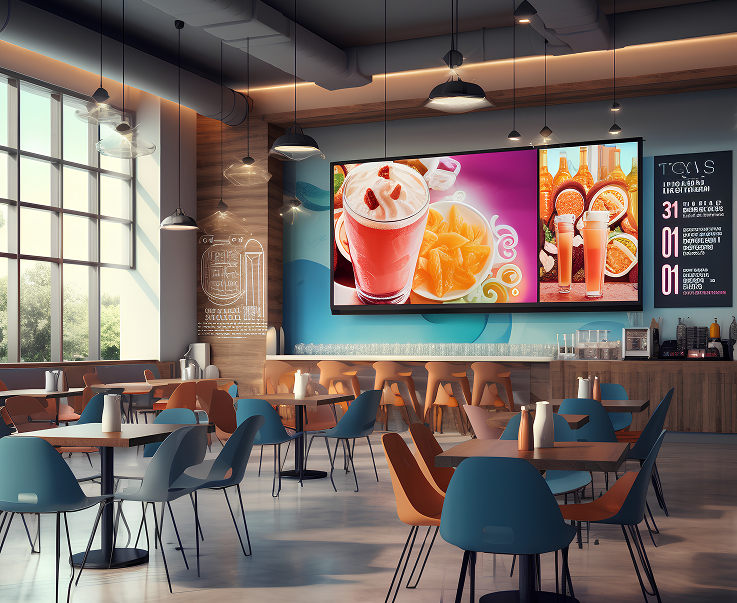
Daypart canteen menu boards with breakfast, lunch, and evening menus. Update prices and combos from head office across every campus canteen.
Daypart Menu RulesCombo and Offer DisplaysCampus-Wide Price UpdatesSpecial Menu Rollouts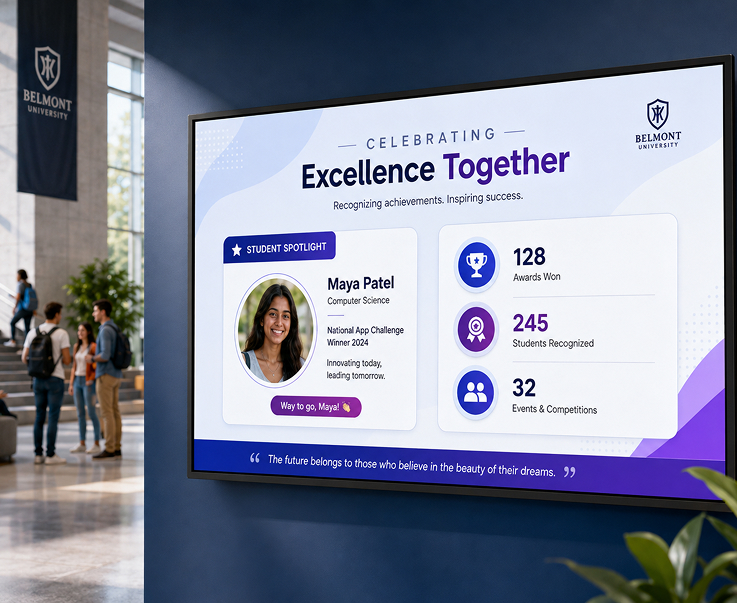
Celebrate rank-holders, sports wins, and student achievements on lobby and reception screens. Rotate faces, moments, and milestones across the campus loop.
Student of the Month LoopsSports and Fest WinnersRank-Holder RecognitionPhoto and Video Rotation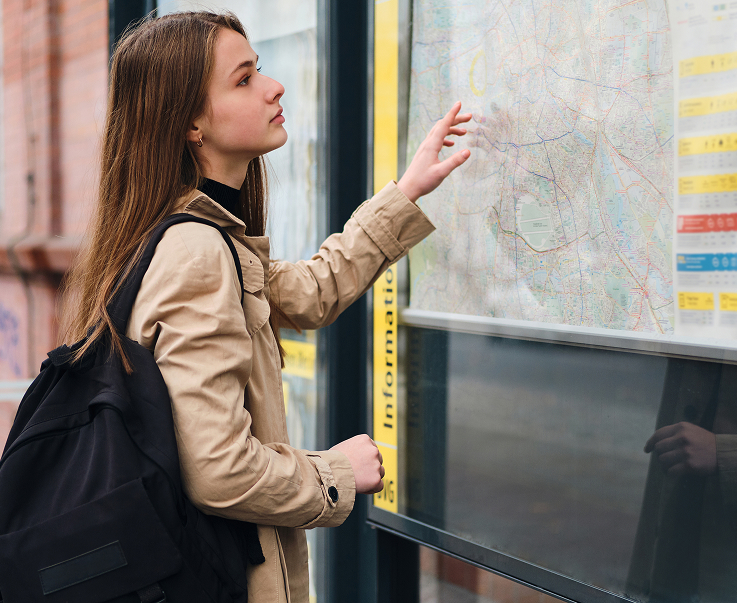
Guide new students, parents, and visitors from the main gate to the right hall, department, or venue. Update floor maps and directions from head office.
Campus Floor MapsDepartment Direction SignsFest and Event WayfindingLive Route Updates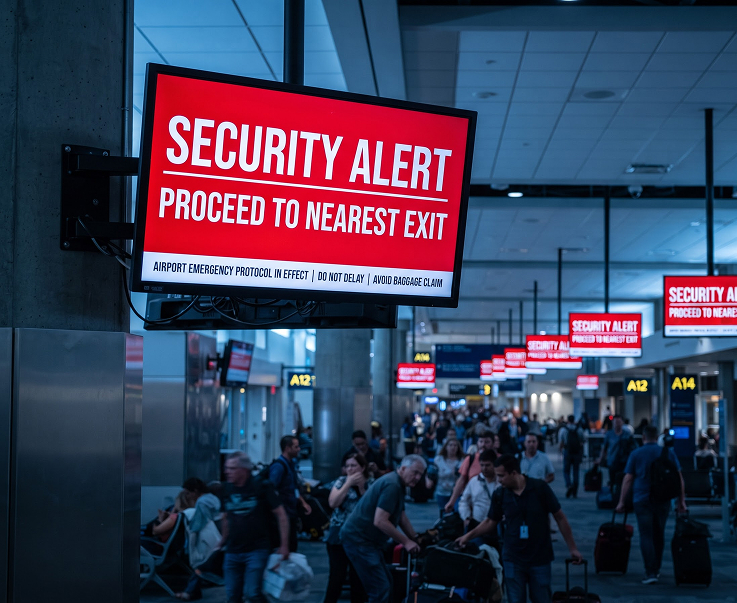
Push evacuation, safety, or urgent operational messages to every screen on every campus in seconds. Overrides the current playlist and reverts automatically when cleared.
One-Click Emergency PushEvacuation NoticesWeather and Safety AlertsAutomatic Playlist RestoreHave questions or need guidance? Fill out the form below, and our team will connect with you shortly to provide the support you need.



