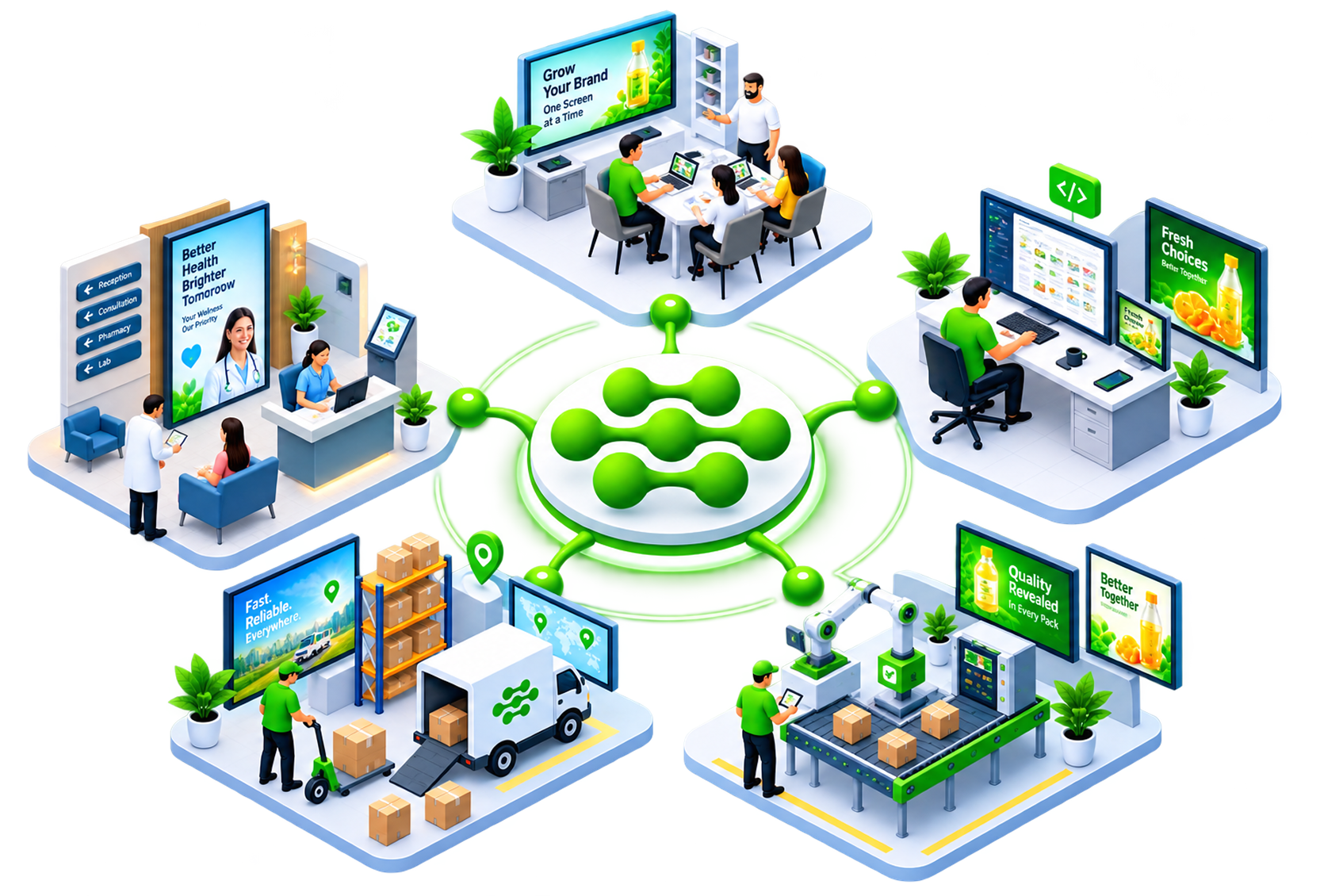
Signage Cloud runs on the Smart TVs you already have. No media players, no USB sticks, no store visits. Upload a video once, assign it to the outlets you pick, and every screen updates in seconds. Head office keeps control of the brand. Outlet managers get on with their day.
Run every screen in every outlet from one browser tab.
 Upload and update content in secondsAccess your library from anywhereAssign playlists to any store or deviceSchedule content by day, hour, or outletNo USB sticks, no site visits
See what is playing where, and how it is performing.
Live status on every paired screenGroup screens by outlet or regionPush a change to 5 or 500 screensPlayback logs for every deviceSpot offline screens before customers do
Skip the media player. Signage Cloud runs on the TV itself.
Works on supported Android and webOS TVsOne-click pairing with a QR codeAutomatic content sync over Wi-FiOffline playback if the network dropsNo boxes to buy, mount, or replaceChains use Signage Cloud to keep menu boards, in-store promos, and internal comms consistent across every outlet.
Log in from any browser. Push a menu update, check playback status, spot an offline screen, all before your coffee cools.
Request a Free Demo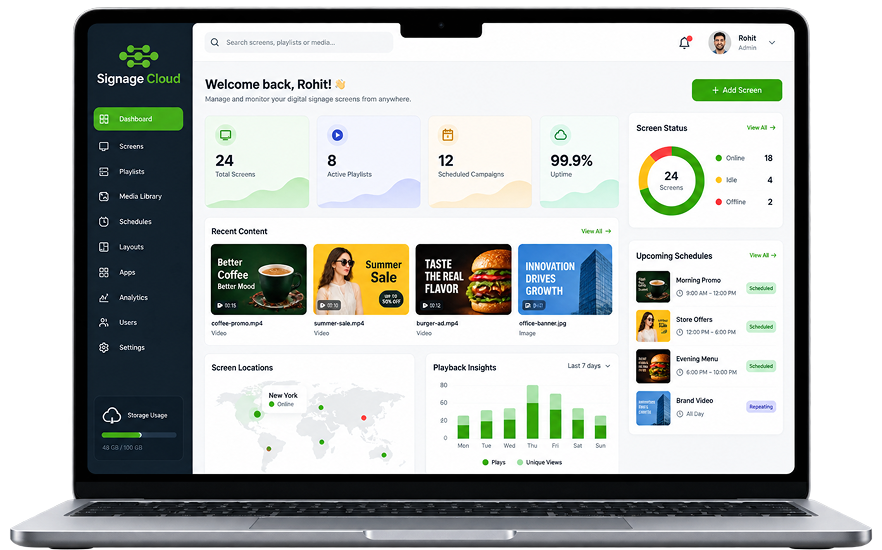


Central control keeps every screen on-brand

Runs natively on Smart TVs

Live monitoring across every location

Scales instantly with one-click pairing

Cloud updates hit every screen in seconds

Built-in playback stats and reporting

Create your account and set up
your outlet list.
Install the Signage Cloud app on
any supported Smart TV.
Scan the QR code to pair the TV.
Content plays instantly.
One flow, from upload to playback to reporting. No manual steps in the middle.
Drop your videos and images into the portal.
Pick the outlets, screens, or groups that should play it.
Every paired TV pulls the latest playlist automatically.
Playback keeps running, even if the network drops.
See what played, where, and for how long.
Role-based logins keep your content and account data safe.
Your media sits in encrypted cloud storage, accessible from any browser.
Assign playlists screen-by-screen, not just outlet-wide.
Screens keep playing the cached playlist if the internet drops.

Tell us about your network. We reply within one business day.