Guide every patient, calm every waiting room, and keep every branch on brand. One dashboard runs your reception screens, queue displays, and wayfinding from head office.
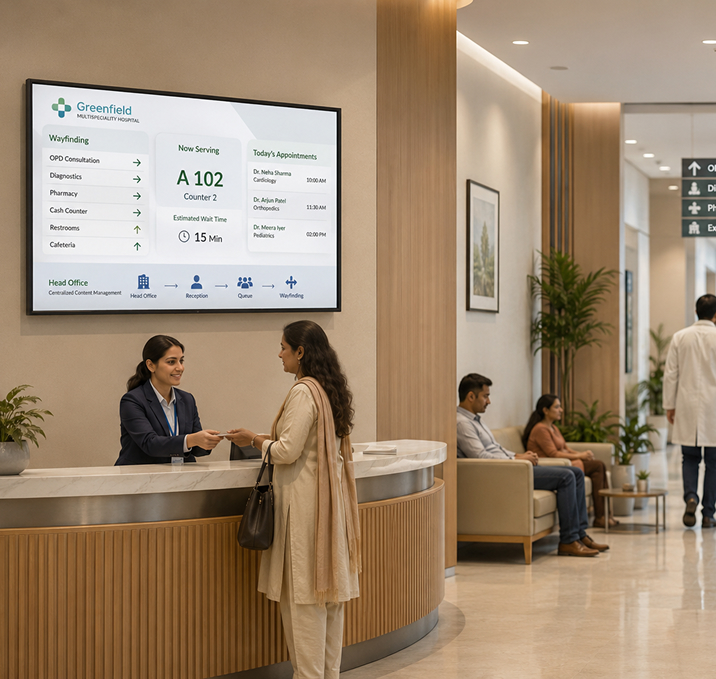

Replace daytime TV noise with health education, wait times, and calming loops that keep patients informed and reduce reception queries.

Wayfinding screens on every floor, updated from head office. No more laminated floor maps or reprinted directions.

Live queue token displays, doctor availability, and appointment status on every counter screen.

Roll out vaccination drives, awareness content, and seasonal campaigns to every screen in every branch in one click.

Push Arabic, English, Hindi, or any language to the right branch. Same campaign, local text.

Push infection-control, evacuation, or urgent operational messages to every screen in every branch in seconds.

Drop videos, images, and slides into the Signage Cloud portal from any browser. Your creative sits in a single searchable library that head office, regional teams, and store managers all draw from.
 Upload content from your deviceSearchable media libraryVersion history on every assetEncrypted cloud storage
Pick the outlets, screens, or groups that should play the content. Set the days, hours, or campaign windows. Preview before you push live, so nothing surprises you when the store opens tomorrow.
Group screens by store, region, or formatAssign playlists in bulkSchedule by daypart or campaignPreview before you push live
Every paired Smart TV pulls the new playlist within seconds. No site visit, no reboot, no waiting on staff. Playback keeps running even if the network drops, and picks up the latest content the moment the connection returns.
Every paired TV pulls the latest playlistOffline playback if the network dropsPlayback logs by screenLive status alerts for offline devices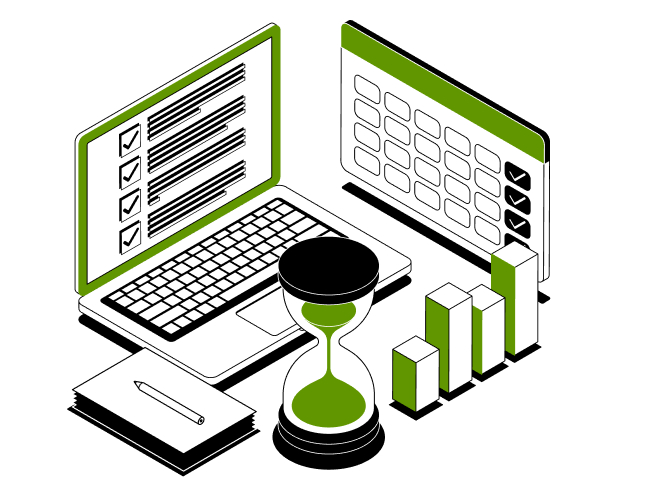
From reception queue tokens to waiting-room content to ward wayfinding, one dashboard runs every screen in every branch. Push a health campaign, a queue update, or an emergency alert in seconds.
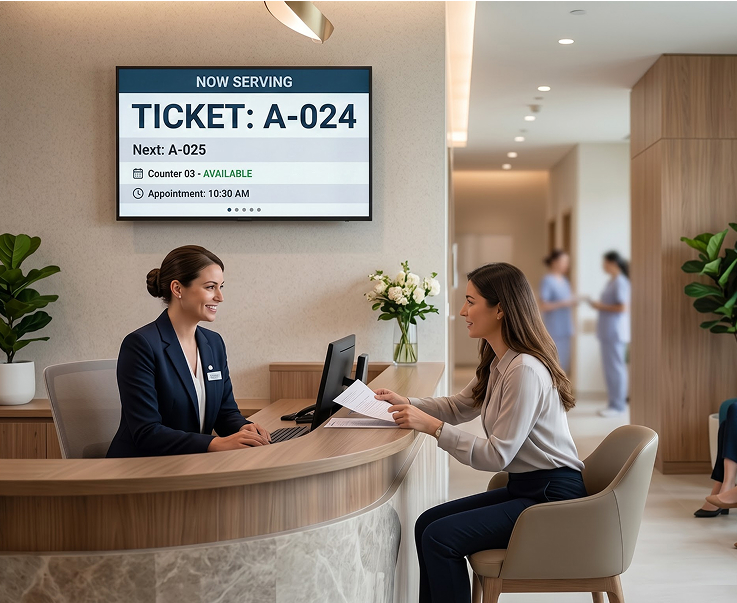
Live queue numbers, counter status, and appointment reminders on every reception screen. Patients see where they are in line, and staff spend less time answering the same question.
Live Queue Token ScreensCounter Status DisplaysAppointment RemindersMultilingual Support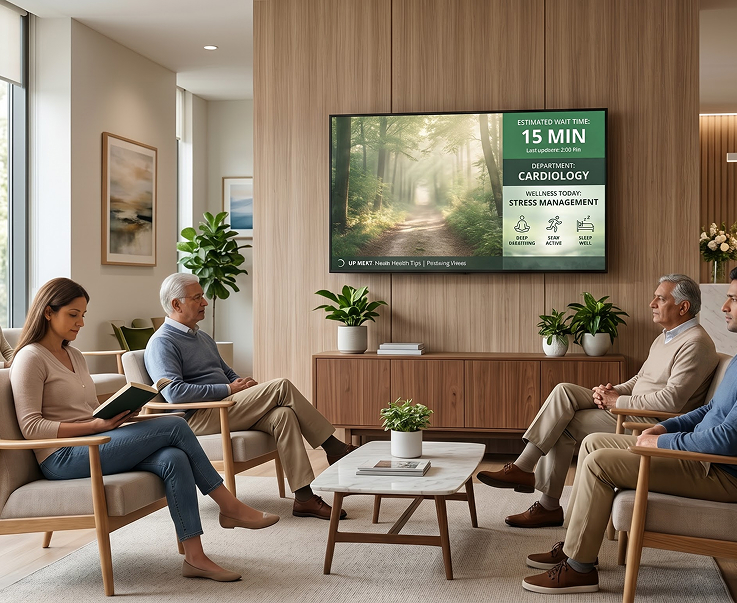
Replace daytime TV with health education, wait-time estimates, and calming visuals that inform without adding stress. Update content by department, branch, or specialty.
Health Education LoopsEstimated Wait-Time DisplaysDepartment-Specific ContentCalming Visual Rotation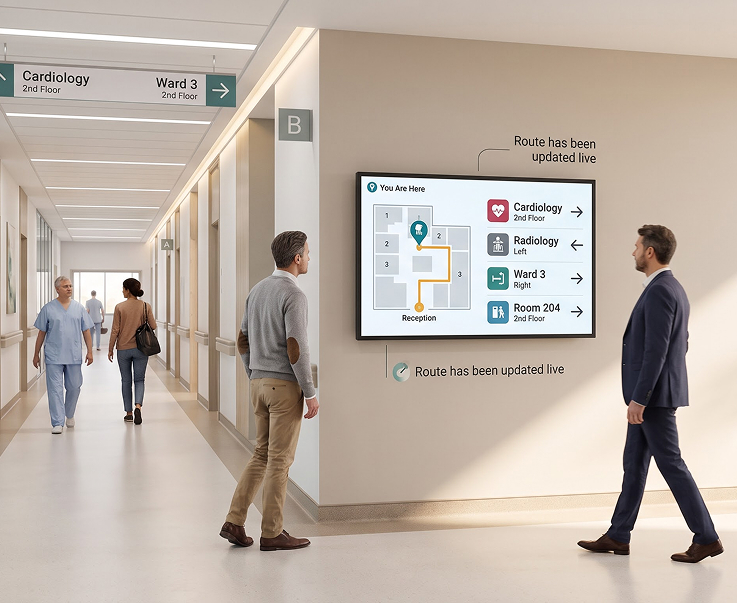
Floor maps, department signs, and ward directions on every corridor screen. Guide patients and visitors from reception to the right door without pulling staff off their work.
Floor Map DisplaysDepartment Direction SignsWard and Room WayfindingLive Route Updates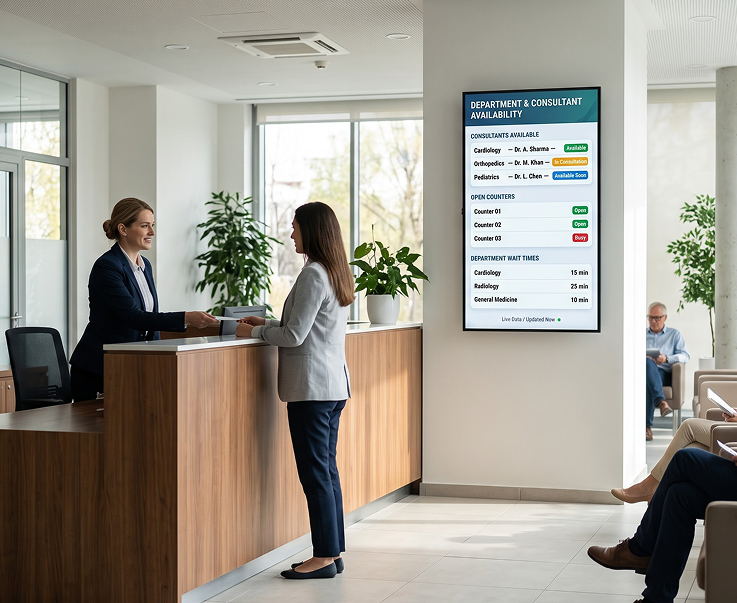
Show which consultants are in, which counters are open, and which departments have a wait time. Feed data from your existing hospital systems straight to the screen.
Consultant Availability BoardsOpen Counter DisplaysDepartment Wait-Time ScreensLive Data Feeds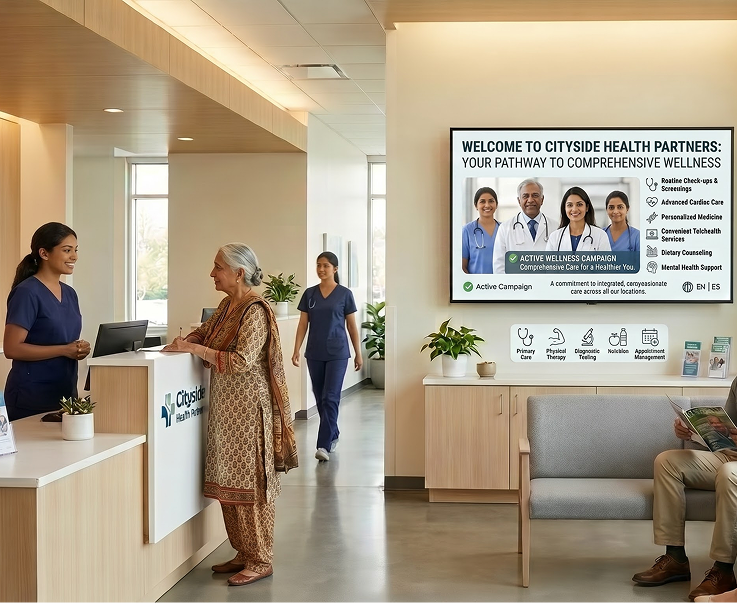
Roll out vaccination drives, seasonal health campaigns, and preventive care content across every branch in one click. Vary by region, language, or department.
Campaign Rollouts in a ClickSeasonal Health LoopsPreventive Care ContentRegional Campaign Variants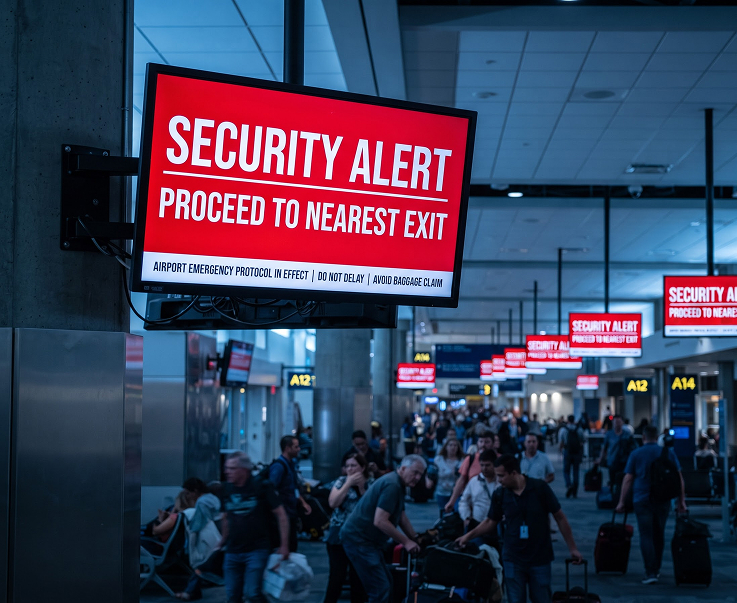
Push infection-control, fire, evacuation, or urgent operational messages to every screen in every branch in seconds. Overrides the current playlist and reverts automatically when cleared.
One-Click Emergency PushInfection Control NoticesEvacuation AlertsAutomatic Playlist RestoreHave questions or need guidance? Fill out the form below, and our team will connect with you shortly to provide the support you need.



