Run every lobby, event, and in-suite screen from one browser. Push today’s events, spa offers, and F&B specials to every property in the group without leaving your desk.
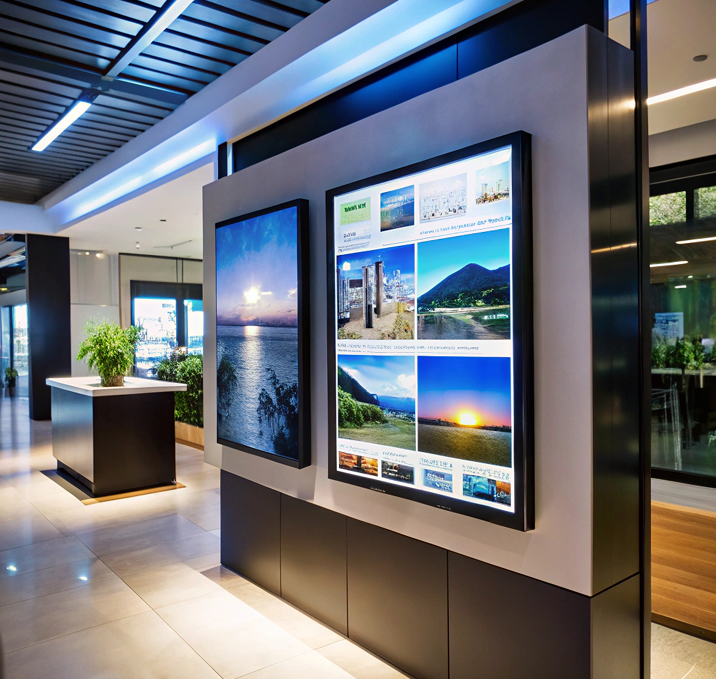

Push what’s on today to every screen in every property. Turn the lobby into a revenue channel.

Welcome messages, event lineups, and wayfinding on every lobby screen. Update by property or by conference booking.

Push Arabic, English, or any language to the right property. Same campaign, local text.

Menu changes, brunch specials, and event timings updated from head office, live on every screen.

Head office locks the master playlist. Property managers add local content underneath, within limits you set.

Same dashboard from one boutique to a global chain. Add properties without adding tools.

Drop videos, images, and slides into the Signage Cloud portal from any browser. Your creative sits in a single searchable library that head office, regional teams, and store managers all draw from.
 Upload content from your deviceSearchable media libraryVersion history on every assetEncrypted cloud storage
Pick the outlets, screens, or groups that should play the content. Set the days, hours, or campaign windows. Preview before you push live, so nothing surprises you when the store opens tomorrow.
Group screens by store, region, or formatAssign playlists in bulkSchedule by daypart or campaignPreview before you push live
Every paired Smart TV pulls the new playlist within seconds. No site visit, no reboot, no waiting on staff. Playback keeps running even if the network drops, and picks up the latest content the moment the connection returns.
Every paired TV pulls the latest playlistOffline playback if the network dropsPlayback logs by screenLive status alerts for offline devices
From lobby welcome screens to event boards to in-suite displays, one dashboard runs every screen in every property. Push today’s spa offers, tomorrow’s event lineup, or the weekend brunch menu in seconds.
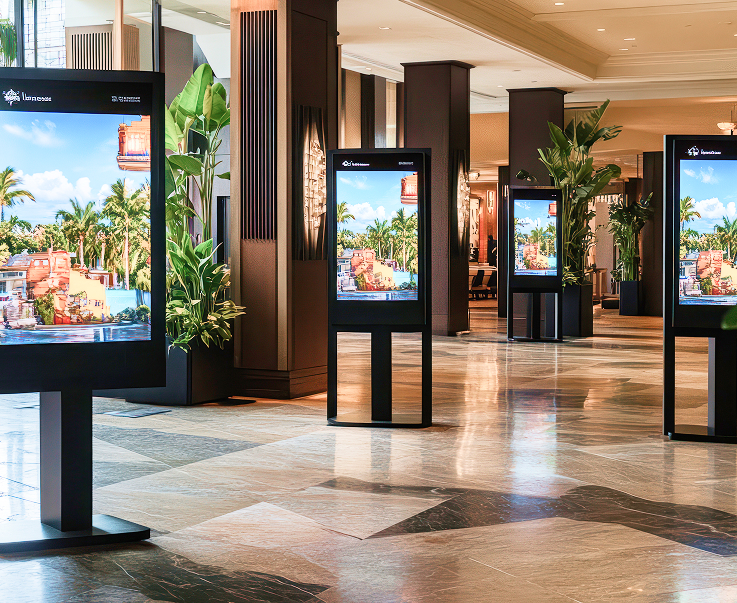
Greet every arrival with a personalised welcome, event lineup, or property announcement. Push a conference-specific banner when a group checks in, or default to your standard brand loop.
Personalised Guest GreetingsConference Welcome BannersProperty Event LineupsBrand Loop Fallback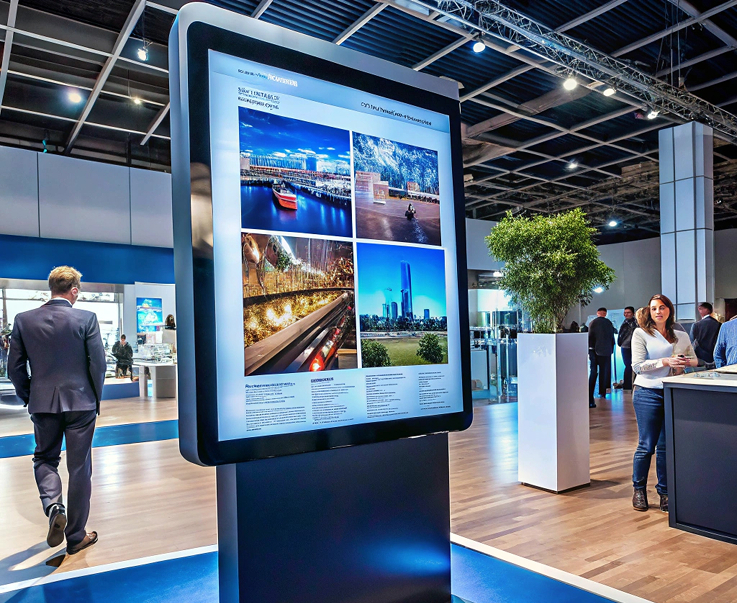
Live event schedules on every conference-floor screen. Push session titles, room numbers, and speaker names from the events team as the day runs.
Session Schedule DisplaysRoom and Speaker DirectionsLive Session UpdatesSponsor Loop Rotation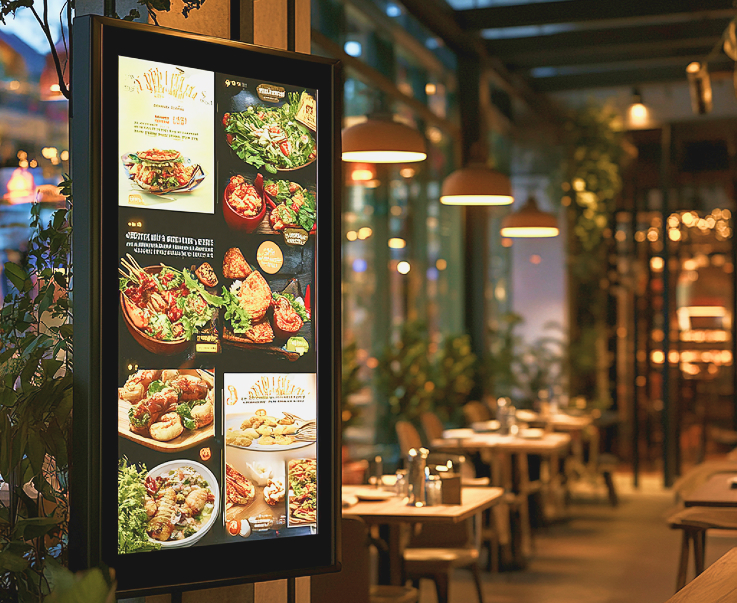
Sell spa slots, restaurant reservations, and brunch bookings from every screen guests walk past. Update offers by daypart, day of week, or single property.
Spa Slot Offer ScreensRestaurant Reservation PromptsDaypart F&B RulesCross-Property Rollouts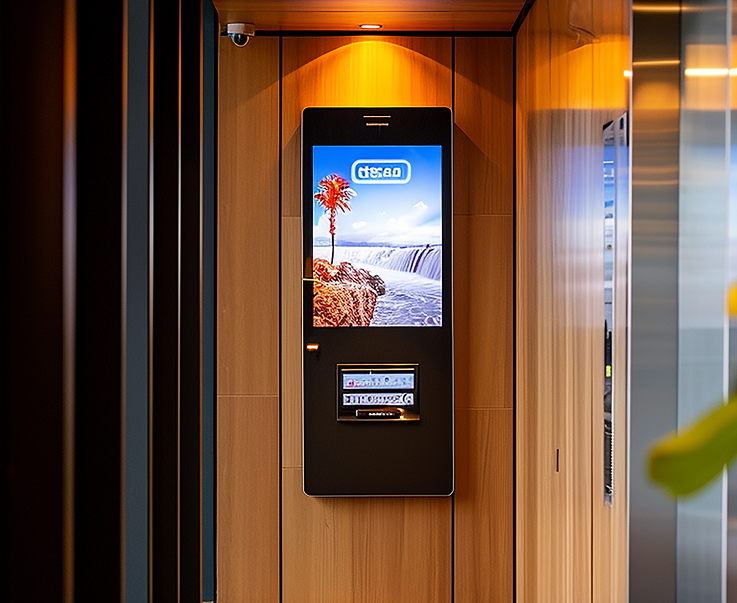
Push in-room welcome messages, local weather, and property service menus to guest-area screens. Guests get on-brand content on arrival and every time they walk the corridor.
In-Room Welcome ContentLocal Weather and InfoProperty Service MenusCorridor Loop Rotation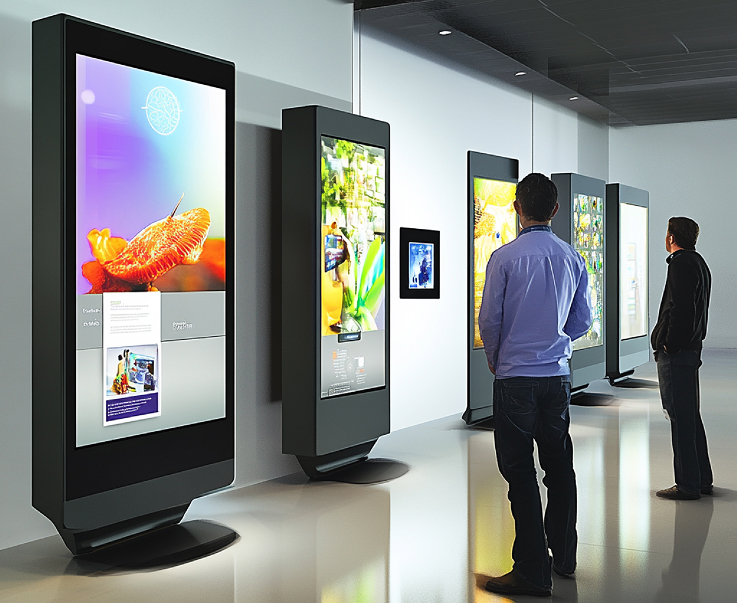
HQ owns the master brand playlist across every property. Property managers add local slides for events, weather, or F&B specials underneath, within limits you set.
Master Playlist by HQLocal Slot for PropertiesBrand Compliance RulesGroup-Wide Analytics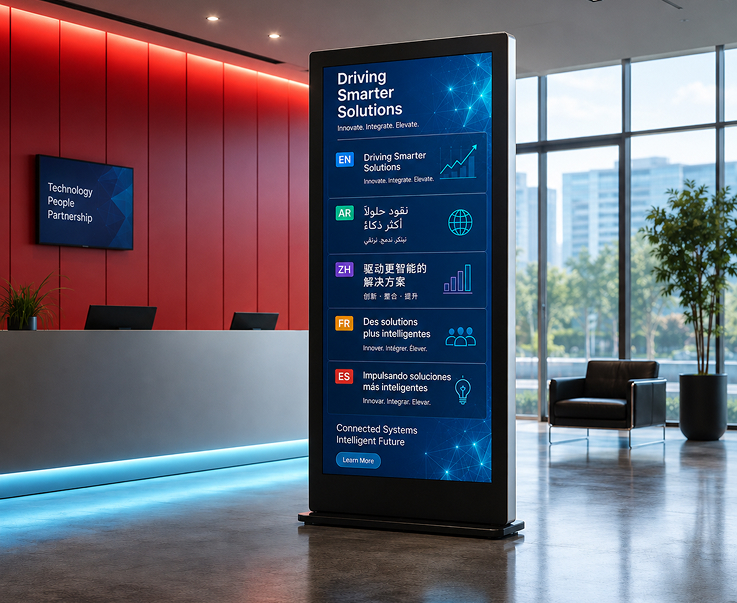
Same campaign, different language per property. Push Arabic in Dubai, English in London, French in Paris. Set the language mix by property or by screen.
Per-Property Language RulesRegional Playlist VariantsSame Campaign, Local TextGroup-Wide RolloutsHave questions or need guidance? Fill out the form below, and our team will connect with you shortly to provide the support you need.



