Run every menu board in every outlet from one browser. Push breakfast, lunch, and dinner menus on schedule. Change a price or launch a limited-time offer across the whole chain in seconds.
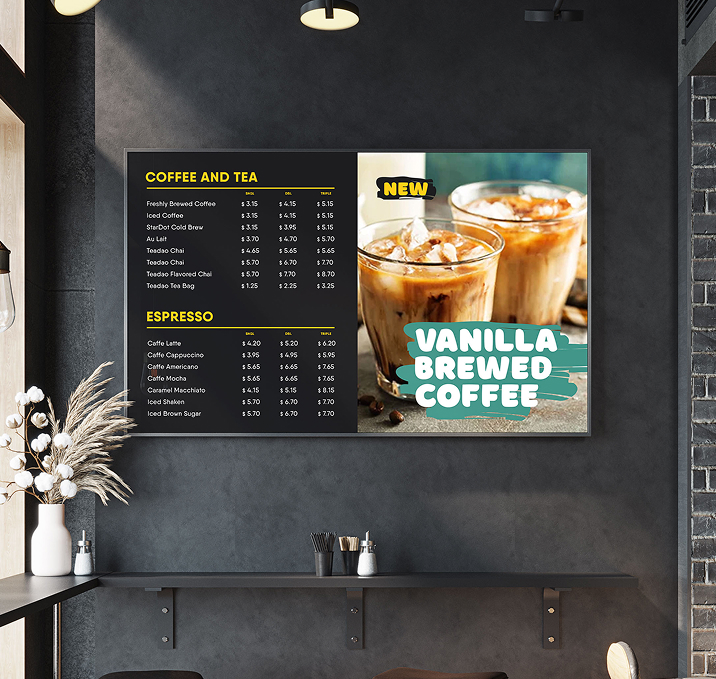

Switch prices, add items, and drop LTOs from head office. No new posters, no laminated strips.

Breakfast at 07:00, lunch at 12:00, dinner at 18:00. Set it once, per outlet or across the chain.

Upload once, assign to any outlet, any group, any region.

Roll out limited-time offers to every screen in every outlet the moment the campaign goes live.

Head office locks the master playlist. Local managers add slots underneath, within limits you set.

Same dashboard, same price per screen. Add outlets without adding tools.

Drop videos, images, and slides into the Signage Cloud portal from any browser. Your creative sits in a single searchable library that head office, regional teams, and store managers all draw from.
 Upload content from your deviceSearchable media libraryVersion history on every assetEncrypted cloud storage
Pick the outlets, screens, or groups that should play the content. Set the days, hours, or campaign windows. Preview before you push live, so nothing surprises you when the store opens tomorrow.
Group screens by store, region, or formatAssign playlists in bulkSchedule by daypart or campaignPreview before you push live
Every paired Smart TV pulls the new playlist within seconds. No site visit, no reboot, no waiting on staff. Playback keeps running even if the network drops, and picks up the latest content the moment the connection returns.
Every paired TV pulls the latest playlistOffline playback if the network dropsPlayback logs by screenLive status alerts for offline devices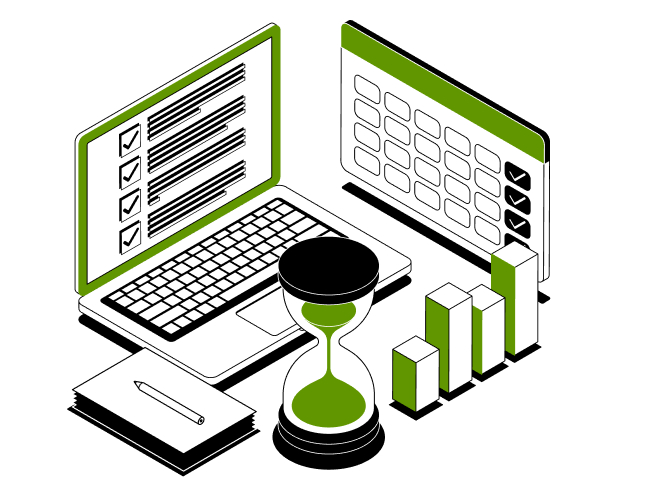
From counter menu boards to drive-thru screens, one dashboard runs every display in every outlet. Push a menu change, launch an LTO, or swap to weekend mode in seconds.
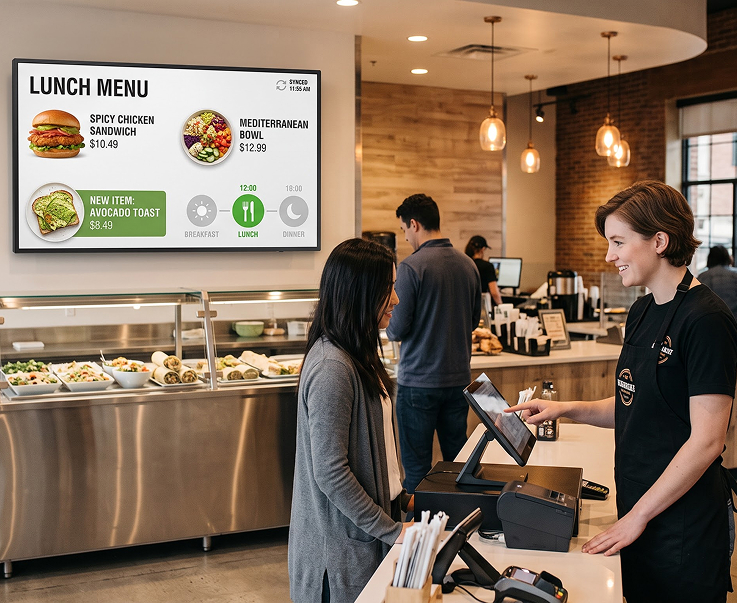
Dayparted menus that change on schedule. Push breakfast at opening, switch to lunch at noon, and roll into dinner at 18:00. Price updates and new items land on every counter board across the chain instantly.
Daypart Menu RulesChain-Wide Price UpdatesNew Item RolloutsInstant Playback Refresh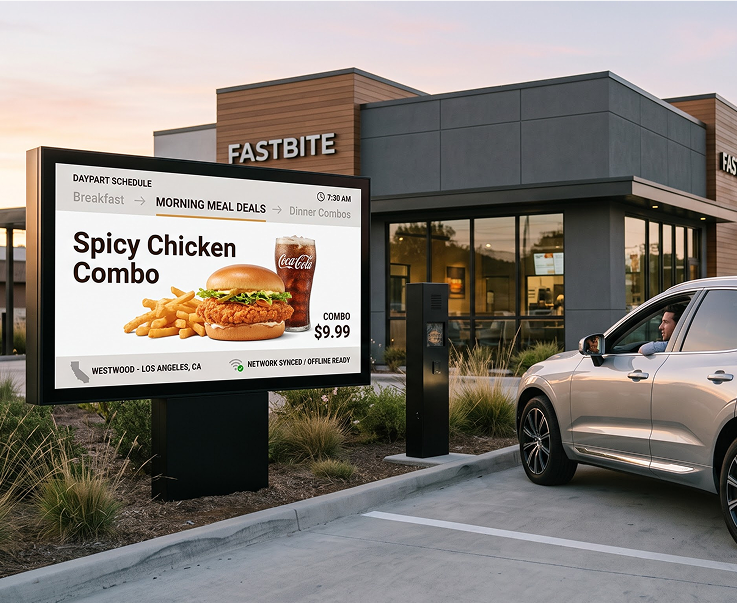
Menu boards that shift with the day. Breakfast in the morning, meal-deals at noon, dinner combos in the evening. Change offers by outlet, by region, or across the whole chain.
Daypart SchedulingRegional Menu VariantsChain-Wide RolloutsOffline Playback Support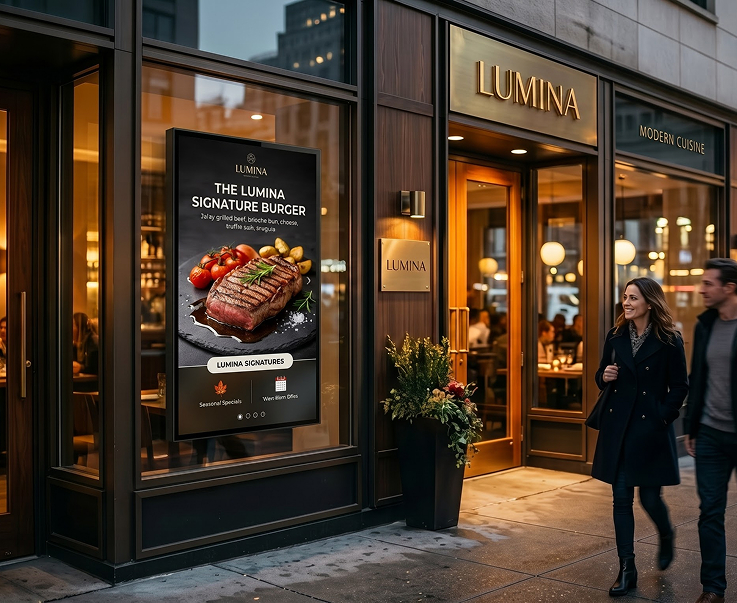
Pull passers-by in with fresh visuals of your top-selling items. Rotate seasonal specials, feature signature dishes, and swap to weekend mode automatically.
Rotating Signature LoopsSeasonal Campaign PlaylistsWeekend Mode RulesStore-Front Preview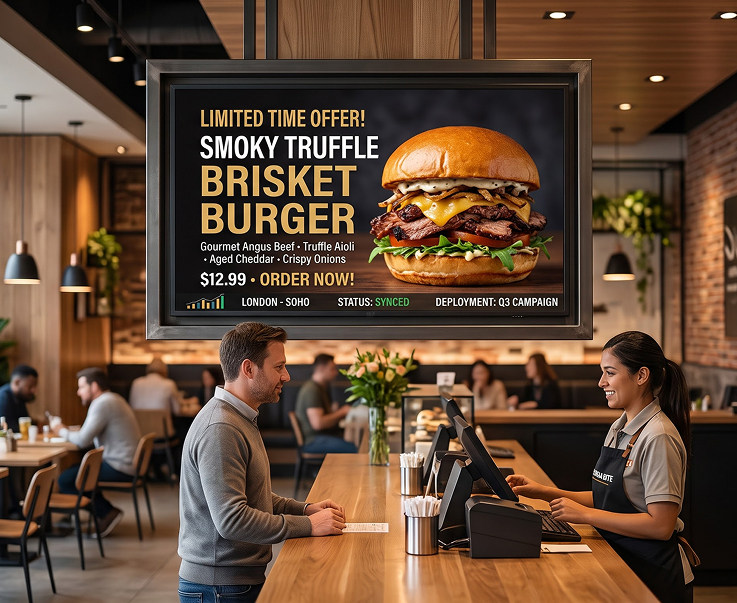
Roll out limited-time offers across the chain the day they launch. Push a new burger, a festival meal, or a weekend combo to every outlet with one click.
Campaign Rollouts in a ClickRegional LTO SupportPlayback AnalyticsReal-Time Content Updates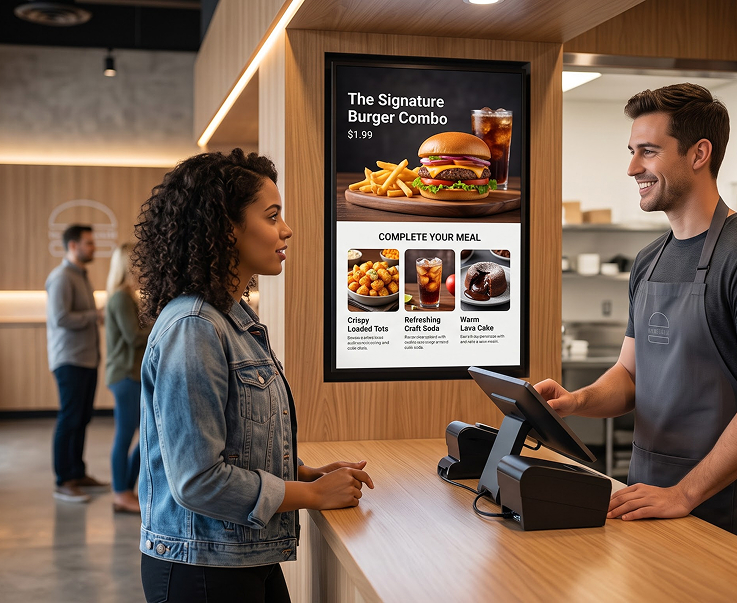
Push add-on suggestions at the point of order. Suggest sides, drinks, and desserts to lift ticket size without extra staff effort or new POS work.
Point-of-Order PromptsSide and Drink UpsellsDessert SuggestionsMenu-Sync Automation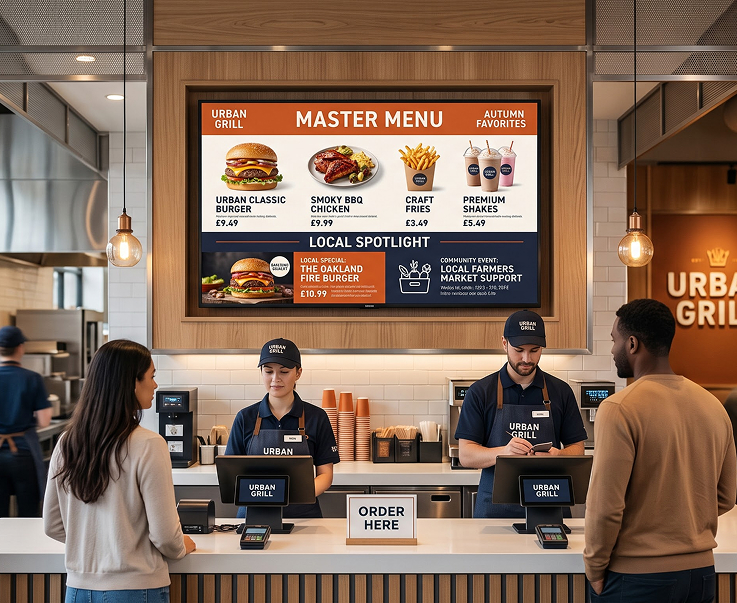
HQ owns the master menu playlist. Franchisees add local specials and events underneath, within limits you set. Every outlet looks like every outlet.
Master Playlist by HQLocal Slot for OutletsBrand Compliance RulesFranchise-Wide AnalyticsHave questions or need guidance? Fill out the form below, and our team will connect with you shortly to provide the support you need.



