One dashboard for every screen in every store. Push weekly promos, seasonal offers, and daily specials to the entire chain from your browser.
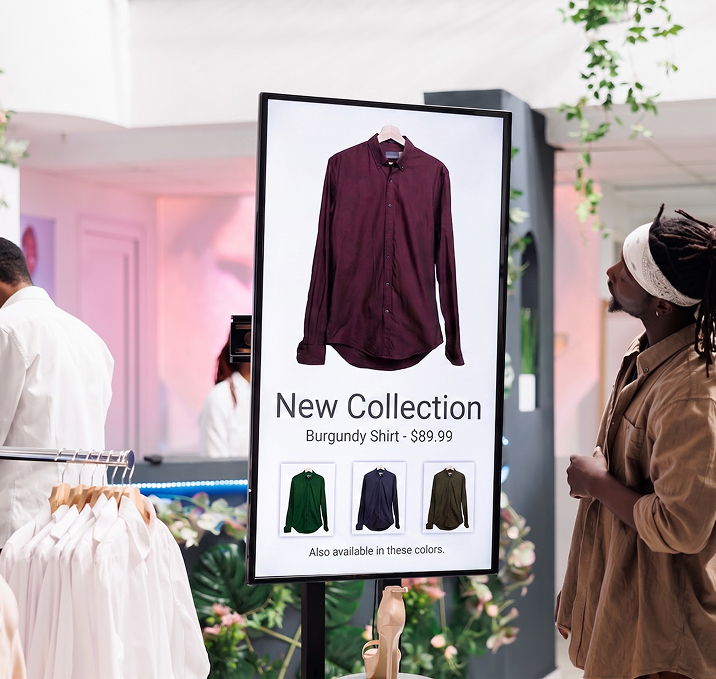

Show the right offer at the right hour. Endcap promos change by daypart. Checkout screens push add-ons. Store windows swap to weekend mode automatically.

Move shoppers with live videos, offer loops, and product spotlights that a printed poster can't match.

Upload once, assign to any store, group, or region, from any browser.

Push a price change, a flash sale, or a new arrival to every store in seconds.

Head office locks the master playlist. Every store looks like every store.

Same dashboard from 5 stores to 500. Add outlets without adding tools.

Drop videos, images, and slides into the Signage Cloud portal from any browser. Your creative sits in a single searchable library that head office, regional teams, and store managers all draw from.
 Upload content from your deviceSearchable media libraryVersion history on every assetEncrypted cloud storage
Pick the outlets, screens, or groups that should play the content. Set the days, hours, or campaign windows. Preview before you push live, so nothing surprises you when the store opens tomorrow.
Group screens by store, region, or formatAssign playlists in bulkSchedule by daypart or campaignPreview before you push live
Every paired Smart TV pulls the new playlist within seconds. No site visit, no reboot, no waiting on staff. Playback keeps running even if the network drops, and picks up the latest content the moment the connection returns.
Every paired TV pulls the latest playlistOffline playback if the network dropsPlayback logs by screenLive status alerts for offline devices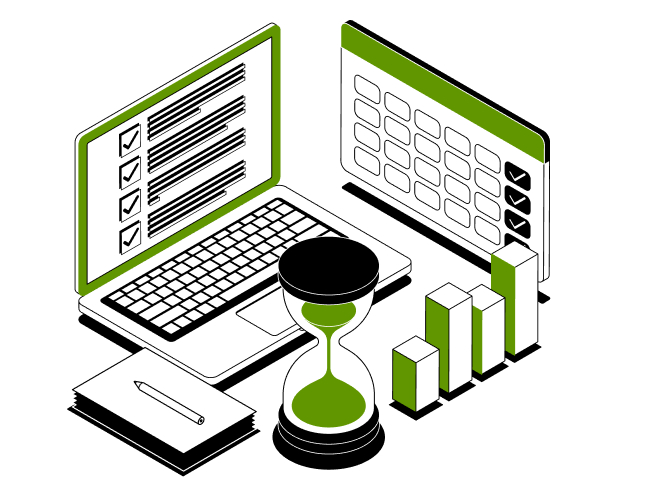
From shop windows to checkout counters, one dashboard runs every screen in your chain. Push a promo, price change, or campaign in seconds.
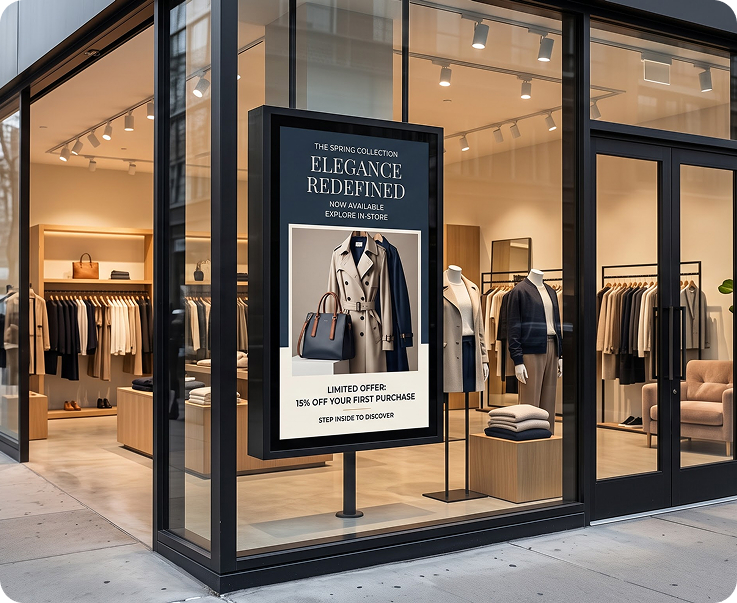
Pull passers-by in with fresh visuals of new arrivals, seasonal campaigns, and hero products. Rotate creatives by daypart, day of week, or weekend mode. Never let a printed poster date the window again.
Rotating Campaign PlaylistsSeasonal Mode RulesNew-Arrival LoopsWeekend Preset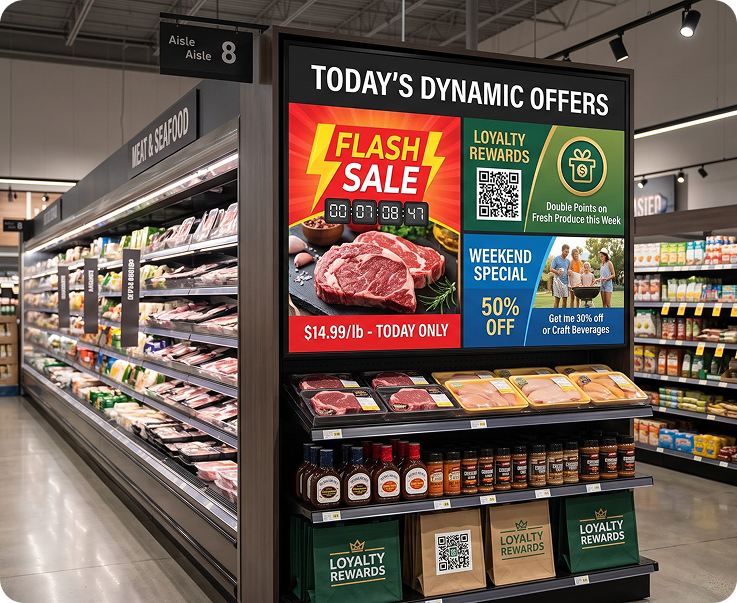
Change the endcap message by daypart or day of week. Push weekend offers, loyalty promos, and flash sales without waiting on print production. Every endcap in every store reflects the current campaign.
Daypart Endcap RulesFlash-Sale RolloutsLoyalty Promo ScreensChain-Wide Sync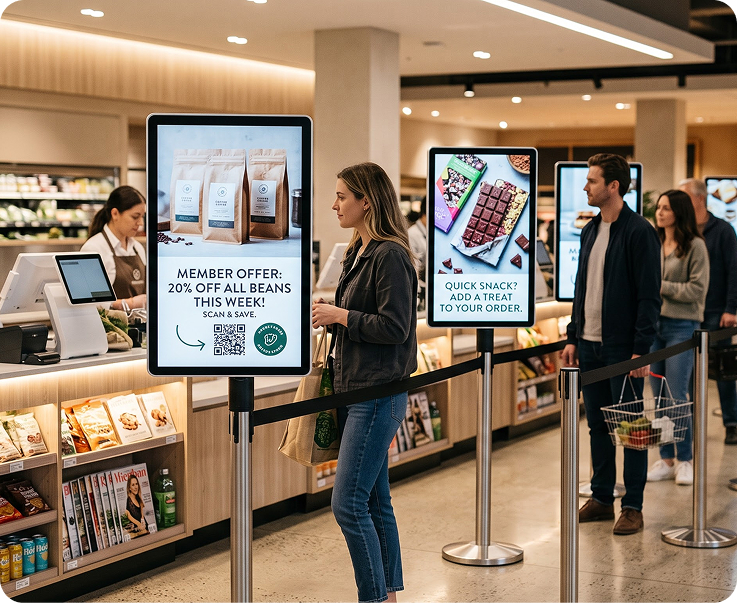
Push add-ons, loyalty offers, and app downloads while shoppers wait in the queue. Turn the wait into a soft-sell moment without any extra staff work.
Point-of-Sale Add-OnsLoyalty Programme PromptsApp Download CallsQueue-Timed Playlists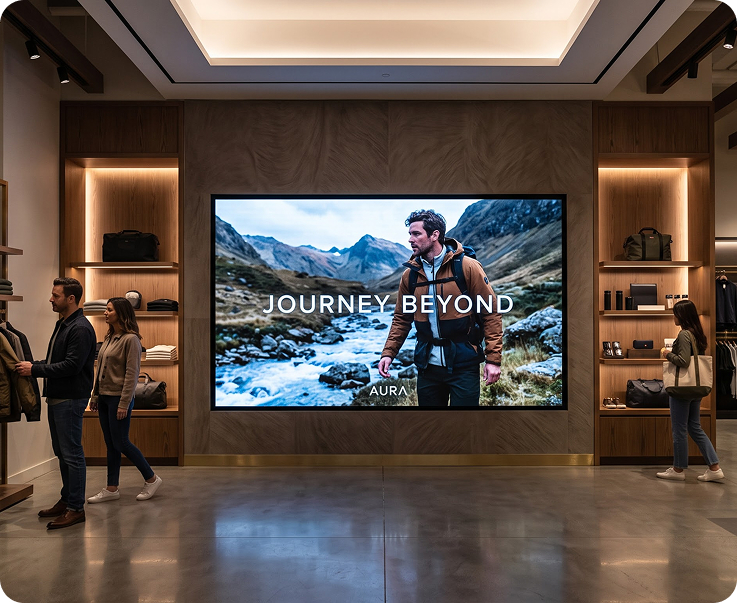
Loop brand films, product stories, and behind-the-scenes content across the store to lift dwell time and basket size. Set the vibe head office wants, in every store.
Brand Film LoopsProduct Story VideosDwell-Time ContentConsistent Store Vibe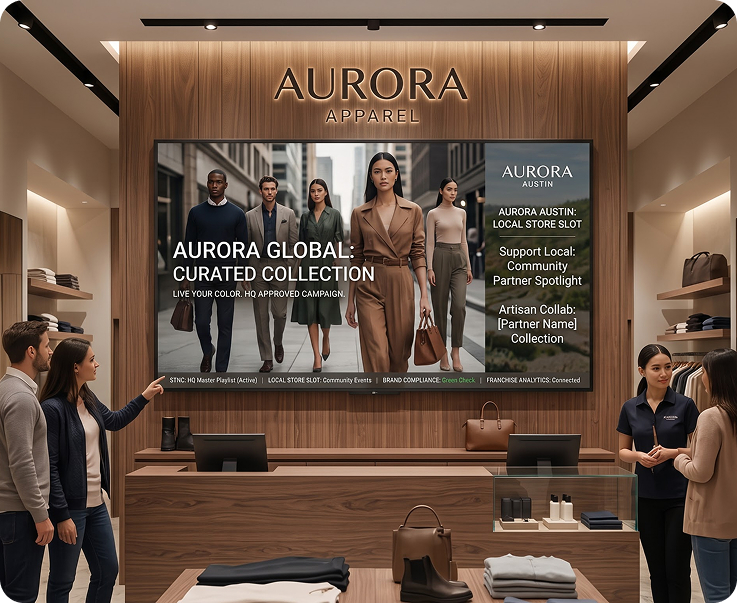
HQ owns the master brand playlist. Franchisees add local slides for community events, store openings, or local partnerships underneath, within the limits you set.
Master Playlist by HQLocal Slot for StoresBrand Compliance RulesFranchise-Wide Analytics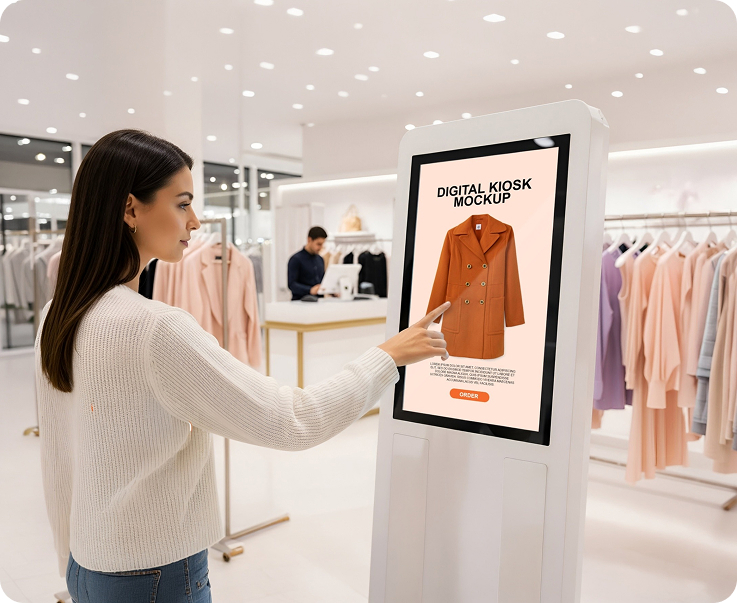
Push a national campaign to every store in one click. Vary the playlist by region, city cluster, or single outlet. Prove playback with logs by screen.
One-Click RolloutsRegional Playlist VariantsPlayback Logs by ScreenRollout AnalyticsHave questions or need guidance? Fill out the form below, and our team will connect with you shortly to provide the support you need.



