Run every screen in the mall from one dashboard. Tenant promos, directory boards, wayfinding, food-court menus, and paid ad slots, all managed from mall operations.
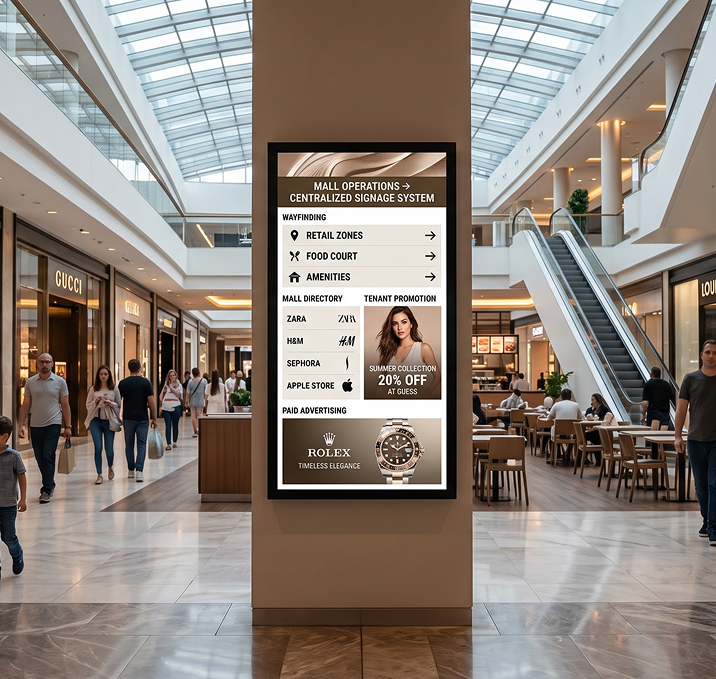

Sell ad slots on totems, LED walls, and directory screens to third-party brands. Track playback and prove delivery.

Live floor maps, tenant listings, and “you are here” screens updated whenever a tenant moves in or out.

Every tenant’s creative uploaded and scheduled from mall operations. No emailing files, no USB drop-offs.

Central menu control for every food-court tenant. Dayparted menus, price changes, and LTO rollouts from one dashboard.

Push evacuation, safety, or crowd-control messages to every screen in the mall in seconds.

Every totem, LED wall, and lift-lobby screen in one browser tab.

Drop videos, images, and slides into the Signage Cloud portal from any browser. Your creative sits in a single searchable library that head office, regional teams, and store managers all draw from.
 Upload content from your deviceSearchable media libraryVersion history on every assetEncrypted cloud storage
Pick the outlets, screens, or groups that should play the content. Set the days, hours, or campaign windows. Preview before you push live, so nothing surprises you when the store opens tomorrow.
Group screens by store, region, or formatAssign playlists in bulkSchedule by daypart or campaignPreview before you push live
Every paired Smart TV pulls the new playlist within seconds. No site visit, no reboot, no waiting on staff. Playback keeps running even if the network drops, and picks up the latest content the moment the connection returns.
Every paired TV pulls the latest playlistOffline playback if the network dropsPlayback logs by screenLive status alerts for offline devices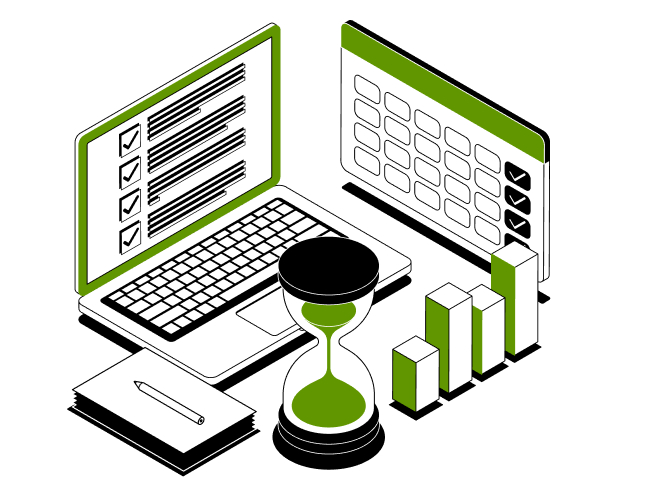
From the atrium LED wall to food-court menu boards to wayfinding totems, one dashboard runs every screen. Update tenant promos, sell ad slots, or push a safety alert in seconds.
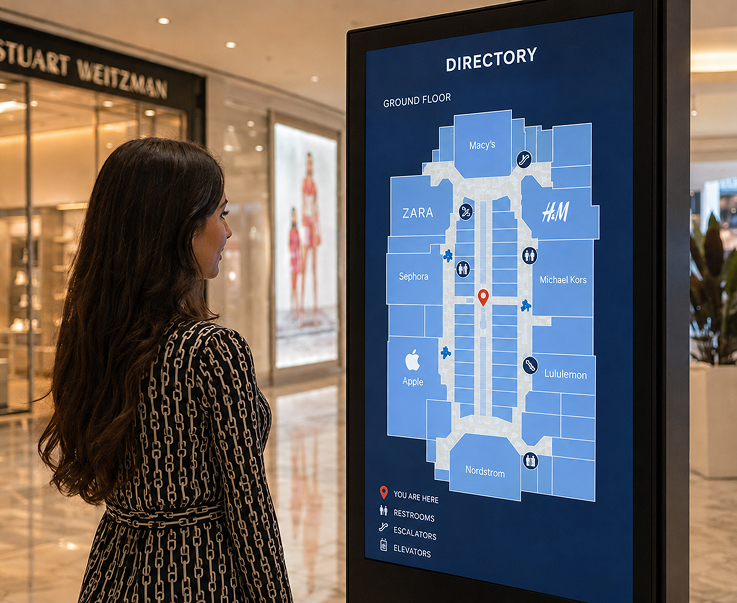
Live floor maps, tenant listings, and “you are here” screens on every level. Update the second a tenant opens, moves, or shuts.
Live Floor MapsTenant Listing UpdatesYou-Are-Here MarkersLevel and Zone Directions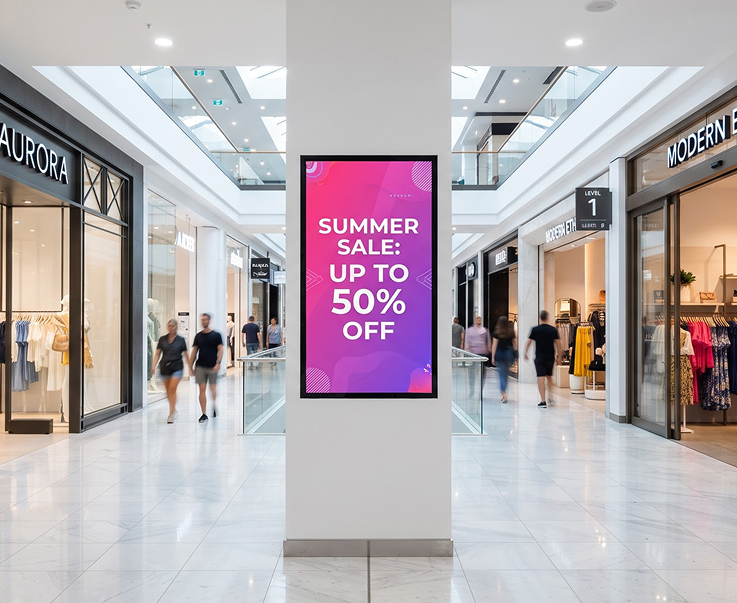
Push each tenant’s creative to the totems and screens outside their store. Tenants send in the file, mall operations schedules it, every screen runs the current campaign.
Per-Tenant Playlist SlotsCentral Content ApprovalCampaign SchedulingPlayback Proof by Screen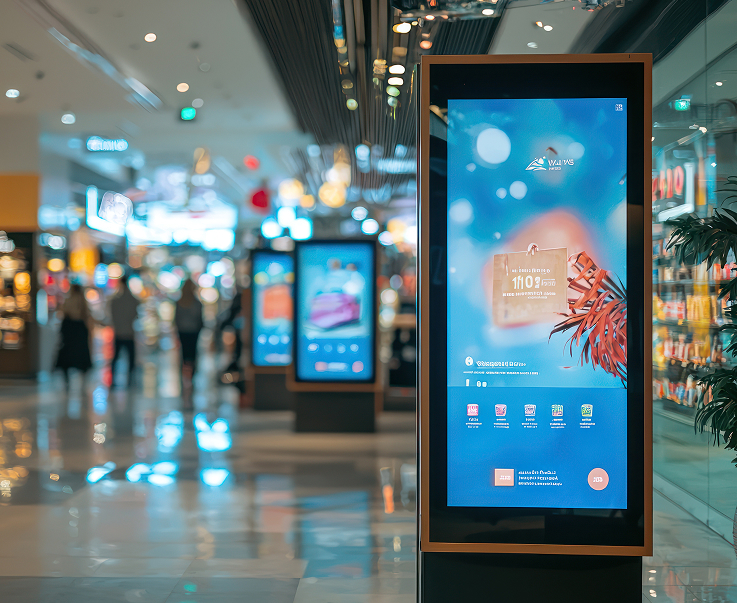
Manage the big feature screens in the atrium, entrance, and event zones. Sponsor loops, seasonal campaigns, and event content from one dashboard.
LED Wall PlaylistsSponsor Loop RotationSeasonal Campaign ModeEvent and Festival Content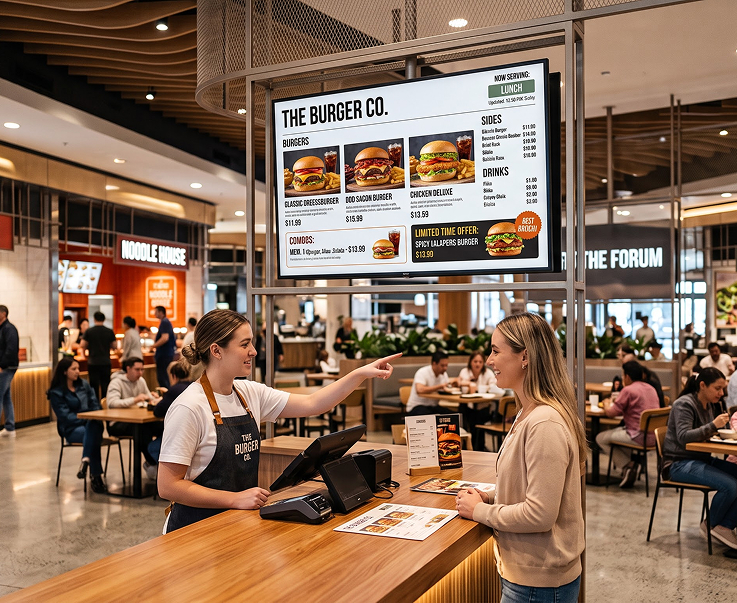
Central menu control for every food-court tenant. Dayparted menus, price updates, and LTO rollouts across every tenant board in seconds.
Daypart Menu RulesPer-Tenant Menu BoardsPrice Change RolloutsCombo and Offer Displays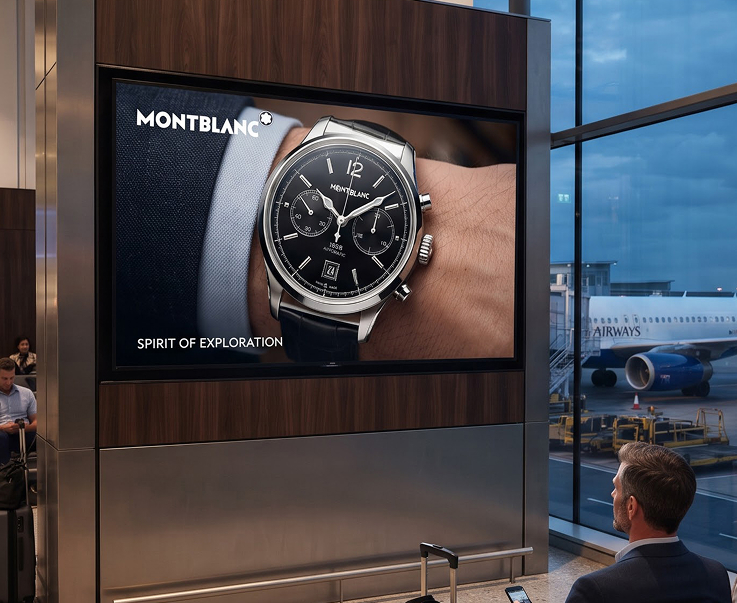
Sell time on your mall screens to third-party brands. Schedule paid slots by daypart, screen, or campaign. Prove playback with logs by screen.
Ad Slot SchedulingPlayback AnalyticsCampaign ReportingPer-Screen Delivery Proof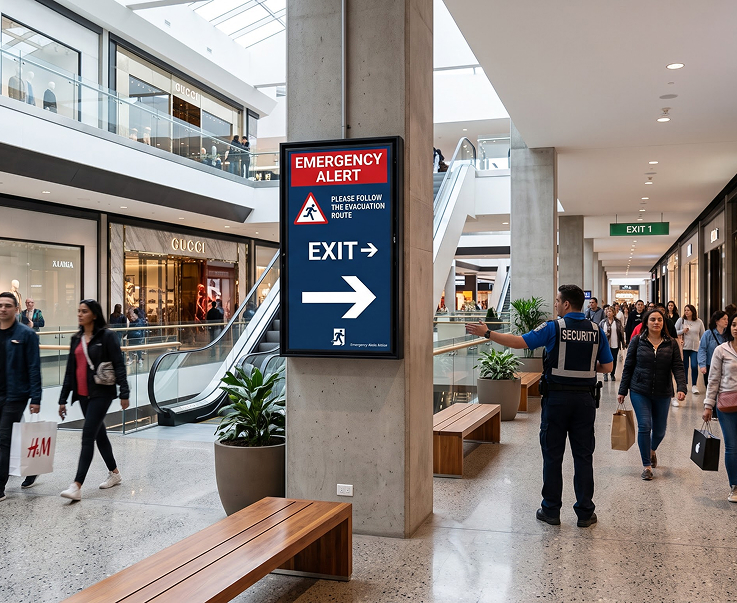
Push evacuation, safety, or crowd-management messages to every screen in the mall in seconds. Overrides the current playlist and reverts automatically when cleared.
One-Click Emergency PushEvacuation NoticesCrowd Direction ScreensAutomatic Playlist RestoreHave questions or need guidance? Fill out the form below, and our team will connect with you shortly to provide the support you need.



