Run every screen across your terminals, lounges, and ticket counters from one browser. Live gate info, wayfinding, lounge content, and paid ad slots, all managed from head office.

Push live schedule updates, gate changes, and route info to every screen the moment they change. Sync from your existing systems.

Wayfinding, terminal directions, and route maps on every corridor screen. Free up staff for higher-value work.

Push English, Arabic, Hindi, or any language to the right terminal, gate, or lounge. Same visuals, local text.

Sell paid ad slots on lounge, terminal, and gate screens to third-party brands. Prove playback by screen.

Head office locks the master playlist. Terminal managers add local content underneath, within limits you set.

Push evacuation, security, or urgent passenger messages to every screen in seconds.

Drop videos, images, and slides into the Signage Cloud portal from any browser. Your creative sits in a single searchable library that head office, regional teams, and store managers all draw from.
 Upload content from your deviceSearchable media libraryVersion history on every assetEncrypted cloud storage
Pick the outlets, screens, or groups that should play the content. Set the days, hours, or campaign windows. Preview before you push live, so nothing surprises you when the store opens tomorrow.
Group screens by store, region, or formatAssign playlists in bulkSchedule by daypart or campaignPreview before you push live
Every paired Smart TV pulls the new playlist within seconds. No site visit, no reboot, no waiting on staff. Playback keeps running even if the network drops, and picks up the latest content the moment the connection returns.
Every paired TV pulls the latest playlistOffline playback if the network dropsPlayback logs by screenLive status alerts for offline devices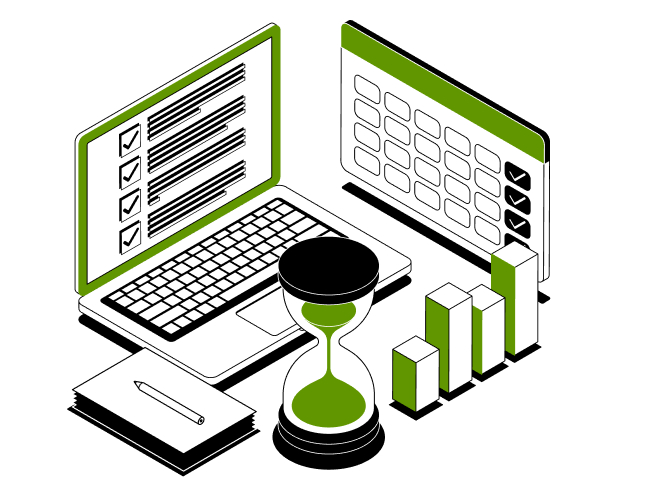
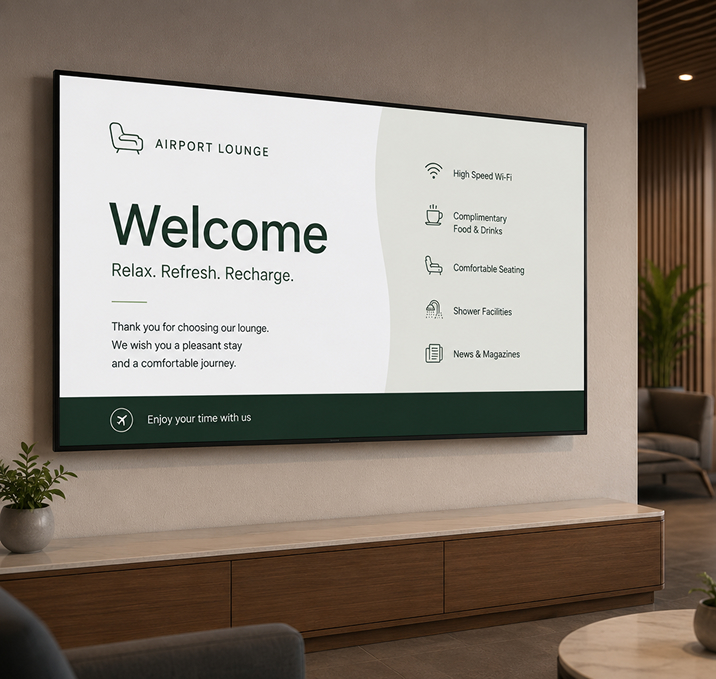
From gate and route boards to lounge welcome screens to ticket-counter queues, one dashboard runs every screen across every terminal. Push a route update, a language change, or an emergency alert in seconds.
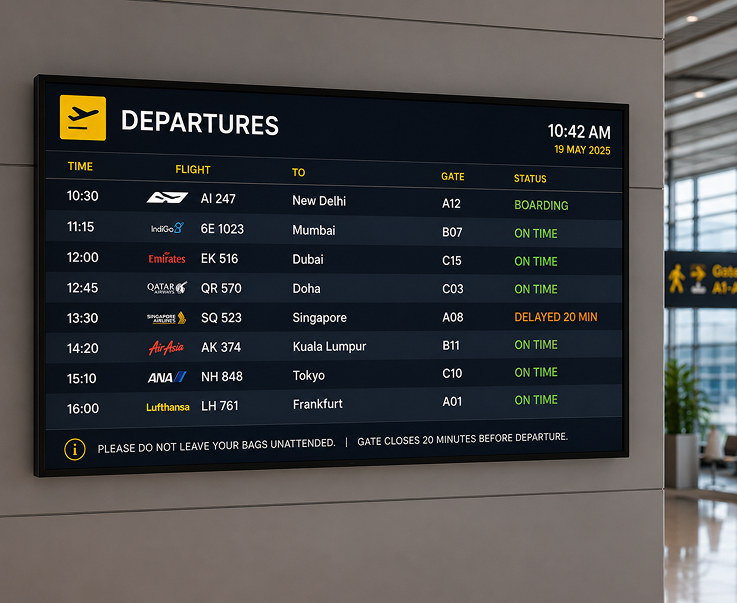
Push live gate assignments, departure times, and route updates from your operations system to every screen the moment they change. Passengers get the current info without asking staff.
Live Gate and Route DisplaysSync from Ops SystemsDeparture Time UpdatesDelay and Change Alerts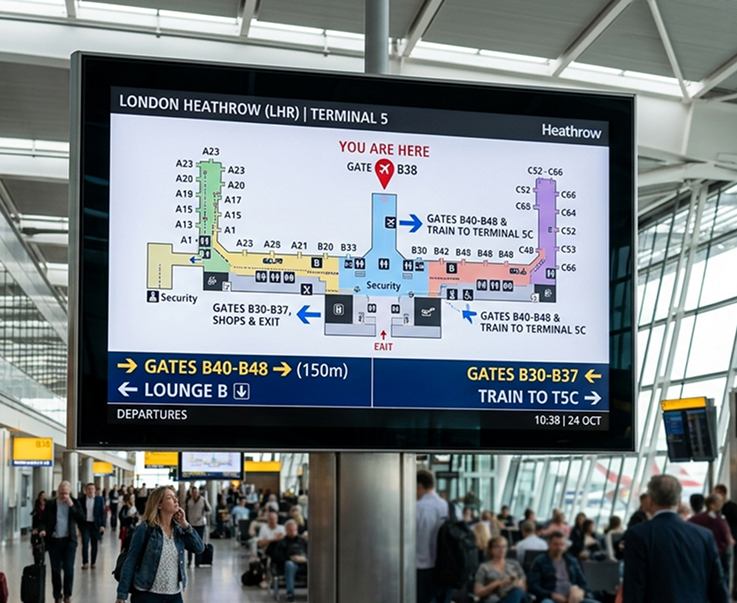
Floor maps, terminal directions, and gate wayfinding on every corridor screen. Guide passengers from check-in to gate without pulling staff off other work.
Terminal Floor MapsGate and Zone DirectionsLive Route UpdatesMultilingual Wayfinding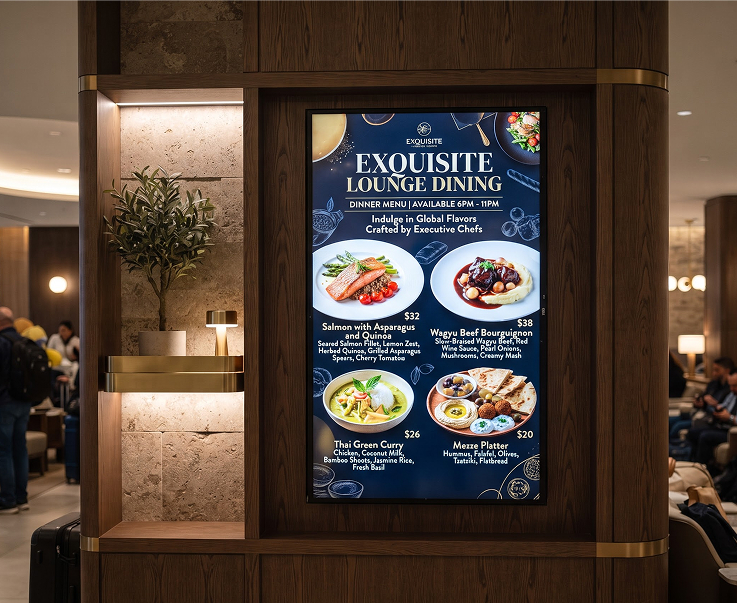
Fill lounge screens with brand content, destination features, and dining offers. Update by lounge, by terminal, or by time of day.
Brand and Destination LoopsDining and Offer DisplaysLounge-Specific PlaylistsDaypart Content Rules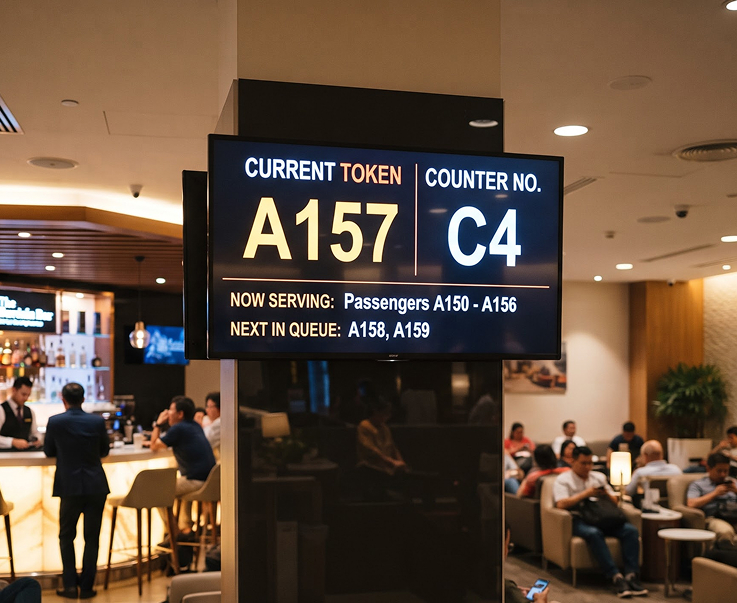
Live queue token numbers, counter status, and wait-time estimates on every ticket-counter screen. Passengers see where they are in line, and staff spend less time answering the same question.
Live Queue Token ScreensCounter Status DisplaysWait-Time EstimatesMultilingual Support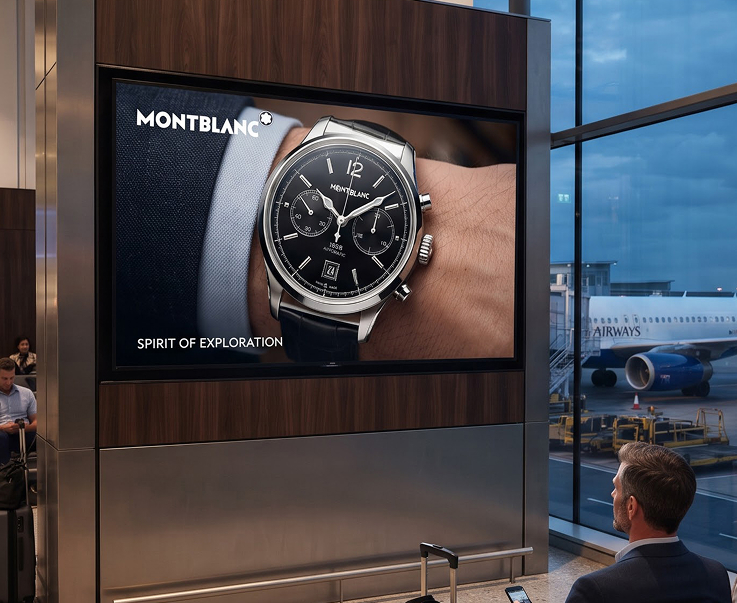
Sell time on your terminal, lounge, and gate screens to third-party brands. Schedule paid slots by daypart, screen, or campaign. Prove playback with logs by screen.
Ad Slot SchedulingPlayback AnalyticsCampaign ReportingPer-Screen Delivery Proof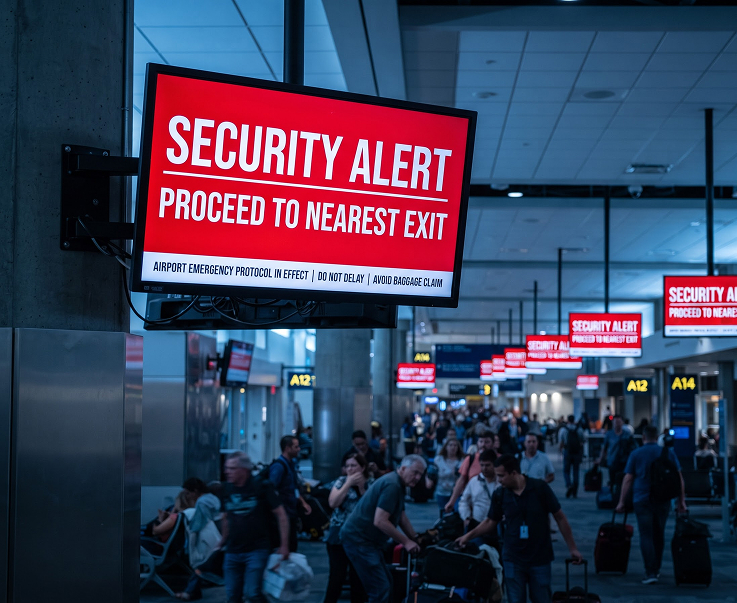
Push evacuation, security, or urgent passenger messages to every screen across every terminal in seconds. Overrides the current playlist and reverts automatically when cleared.
One-Click Emergency PushEvacuation NoticesSecurity and Safety AlertsAutomatic Playlist RestoreHave questions or need guidance? Fill out the form below, and our team will connect with you shortly to provide the support you need.



